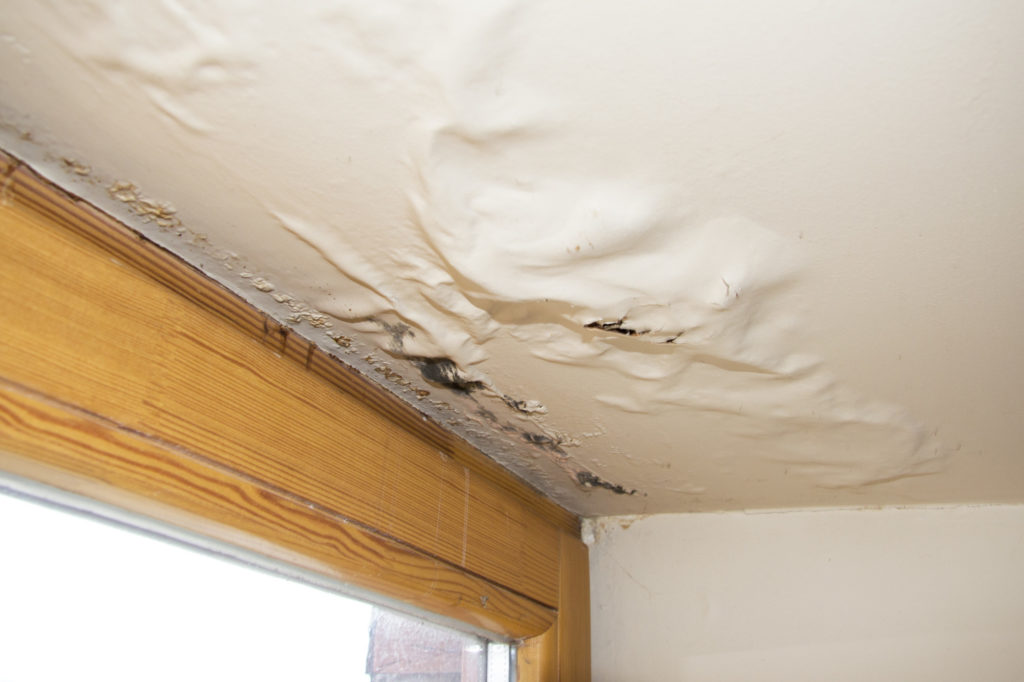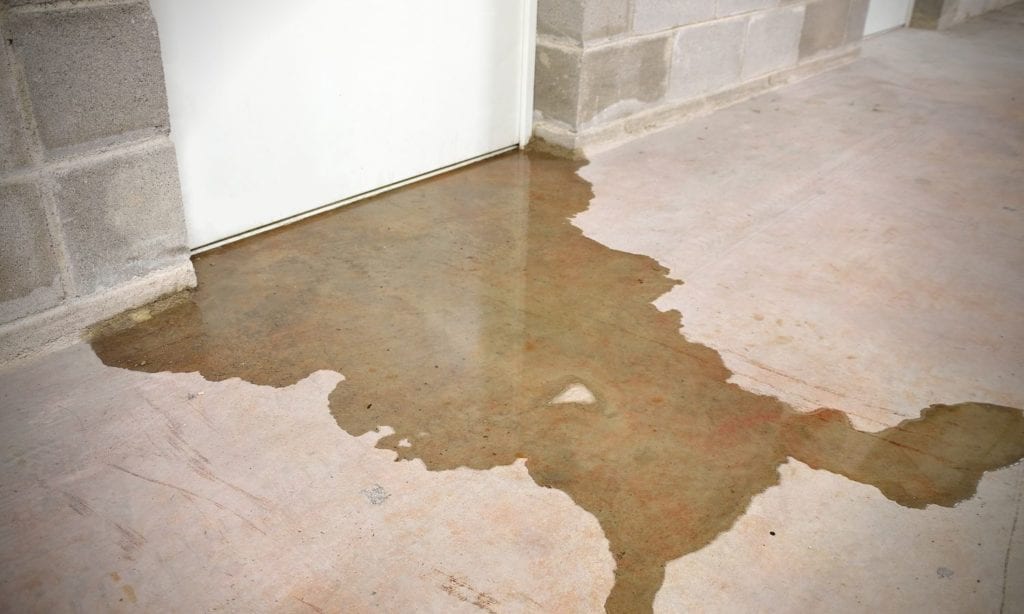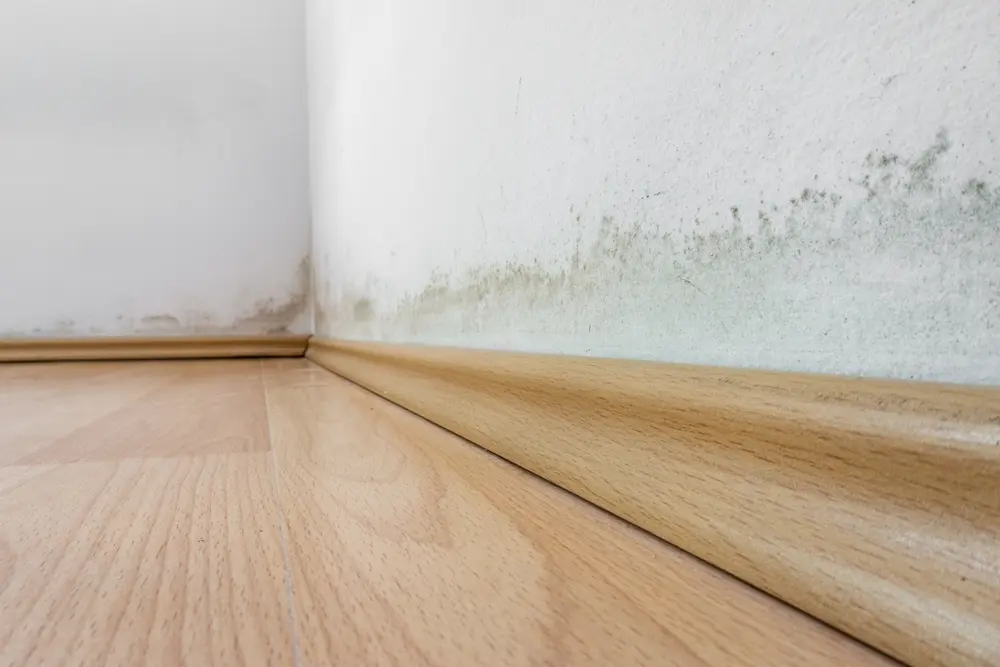
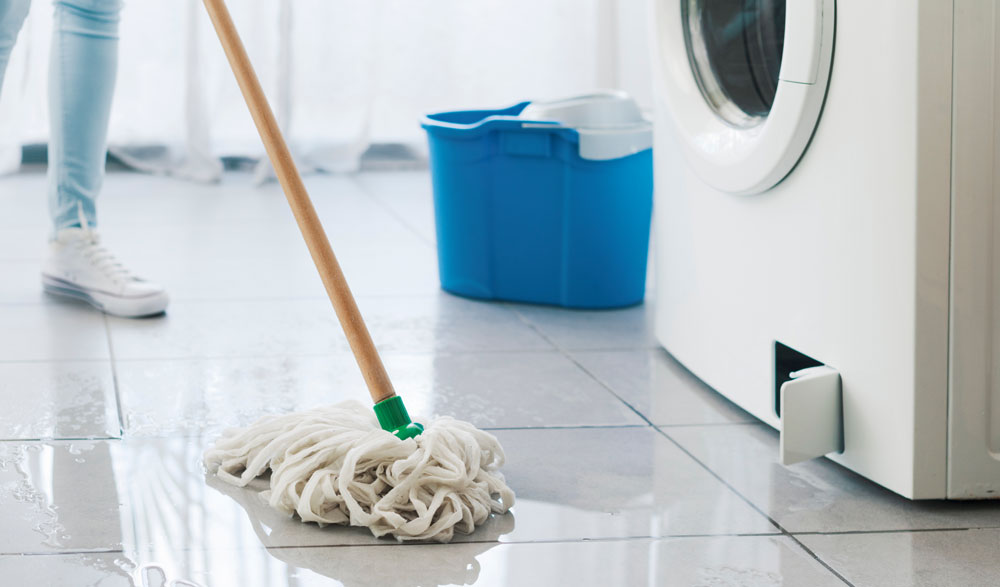
Water leaks can cause significant damage to homes, leading to costly repairs and potential health hazards from mold growth. With the rise of smart home technology, homeowners now have practical tools to detect leaks early and receive instant notifications. Learning how to use smart home apps for leak alerts can help you protect your property, minimize water waste, and avoid unexpected surprises.
This article breaks down the essentials of integrating leak detectors with smart home platforms, setting up notifications, and maximizing the benefits of real-time alerts. If you’re interested in other home technology topics, you might also find our guide on how to sanitize a cast iron press useful for maintaining kitchen equipment.
Why Early Leak Detection Matters
Even a small, undetected leak can escalate into a major problem. Water damage may compromise structural integrity, ruin flooring, and destroy personal belongings. According to industry research on water damage, early intervention is the key to minimizing both repair costs and inconvenience.
Traditional leak detection methods often rely on visual inspections or noticing symptoms like damp spots and musty odors. By the time these signs appear, significant damage may have already occurred. Smart home apps paired with leak sensors offer a proactive approach, sending instant alerts to your phone or smart device as soon as a problem is detected.
Setting Up Leak Detectors with Smart Home Platforms
Modern leak detectors are designed to integrate seamlessly with popular smart home ecosystems such as Google Home, Amazon Alexa, and Apple HomeKit. Here’s a step-by-step overview of how to connect these devices and start receiving alerts:
- Choose Compatible Devices: Select leak sensors that work with your existing smart home hub or app. Many brands offer Wi-Fi or Zigbee-enabled detectors for easy pairing.
- Install Sensors Strategically: Place detectors near potential trouble spots—under sinks, behind toilets, near water heaters, or in basements. The right placement ensures early detection.
- Connect to Your App: Follow the manufacturer’s instructions to add the sensor to your smart home app. This usually involves scanning a QR code or following prompts within the app.
- Configure Notifications: Set up push notifications, text messages, or email alerts so you’re informed immediately if a leak is detected.
- Test the System: Simulate a leak by placing a damp cloth near the sensor to confirm that alerts are working as intended.
Customizing Leak Alerts in Your Smart Home App
One of the main advantages of using smart home apps for water leak detection is the ability to tailor alerts to your preferences. Most apps allow you to:
- Set Alert Sensitivity: Adjust how sensitive the sensor is to moisture, reducing false alarms from minor splashes.
- Choose Notification Channels: Decide whether you want push notifications, SMS, email, or even automated phone calls.
- Assign Zones or Rooms: Label each sensor by location within the app, so you know exactly where the problem is.
- Integrate with Other Devices: Some platforms let you trigger actions, such as shutting off the main water valve or activating a siren, when a leak is detected.
Customization ensures you’re alerted in a way that fits your lifestyle and home layout. For example, if you travel often, enabling email alerts or sharing notifications with a trusted neighbor can provide extra peace of mind.
Benefits of Real-Time Leak Notifications
Leveraging smart home apps for water leak alerts offers several practical benefits:
- Immediate Awareness: Receive alerts the moment a leak is detected, allowing for swift action.
- Reduced Water Damage: Early detection helps prevent extensive property damage and mold growth.
- Lower Repair Costs: Addressing leaks quickly can save thousands in repair bills.
- Insurance Benefits: Some insurers offer discounts for homes equipped with smart leak detection systems.
- Peace of Mind: Whether you’re at home or away, you’ll know your property is being monitored.
Tips for Maintaining Your Leak Detection System
To ensure your leak alert system remains effective, follow these maintenance tips:
- Test Sensors Regularly: Check each device at least once a month to confirm it’s working and connected to your app.
- Replace Batteries Promptly: Many leak detectors use batteries—replace them as soon as you receive a low battery warning.
- Update App and Firmware: Keep your smart home app and device firmware up to date for optimal performance and security.
- Inspect for Obstructions: Make sure nothing is blocking the sensor or causing false readings.
Regular maintenance ensures that your system will alert you to leaks when it matters most, providing ongoing protection for your home.
Integrating Leak Alerts with Other Smart Home Features
Many homeowners are expanding their smart home setups to include more than just leak detection. By integrating leak alerts with other devices, you can create a more comprehensive home automation system. For example:
- Automatic Water Shutoff: Pairing leak sensors with a smart shutoff valve can stop water flow automatically when a leak is detected.
- Voice Assistant Integration: Receive spoken alerts from your smart speaker when a leak occurs.
- Lighting Automation: Flash lights in specific rooms to draw attention to a detected leak.
These integrations can be set up through routines or automations within your smart home app, giving you even more control and flexibility.
Frequently Asked Questions
Can I use smart home leak alerts if I rent my home?
Yes, most leak detectors are wireless and do not require permanent installation. They can be easily placed and removed, making them suitable for renters who want to protect their belongings and avoid water damage.
How many leak sensors do I need for effective coverage?
The number of sensors depends on your home’s layout and risk areas. Common locations include under sinks, behind toilets, near washing machines, water heaters, and in basements. Assess your home and place sensors wherever leaks are most likely to occur.
Will smart home leak alerts work during a power outage?
Many leak detectors use batteries and can continue to sense water during a power outage. However, if your Wi-Fi or smart hub loses power, remote notifications may be delayed until connectivity is restored. Some systems offer cellular backup for added reliability.
Conclusion
Adopting smart home technology for leak detection is a proactive way to safeguard your property and reduce the risk of costly water damage. By following the steps outlined in this article, you can set up, customize, and maintain a reliable alert system that fits your needs. For further reading on home technology and care, explore our other resources, such as tips on how to press tortillas for chilaquiles.