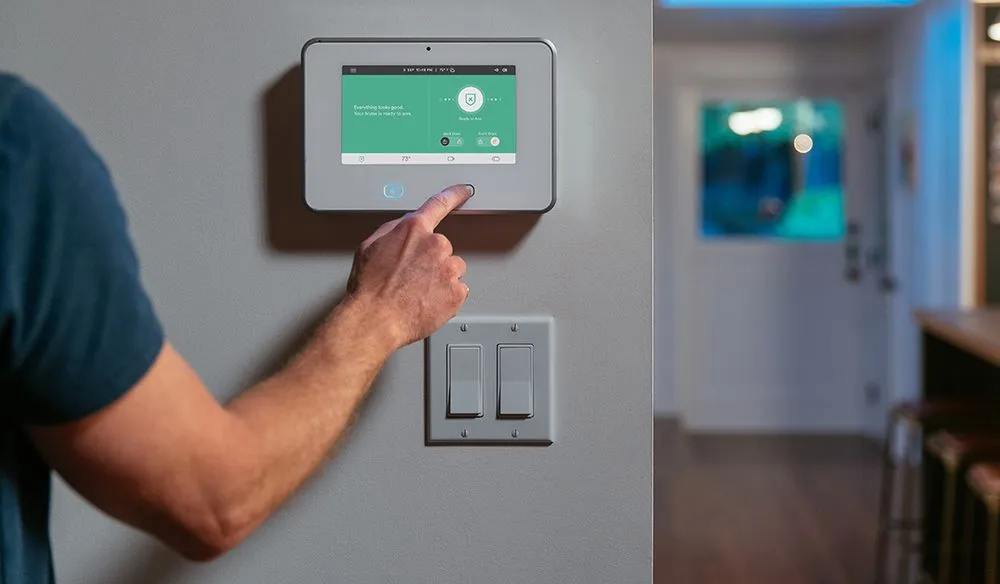
Protecting your home and loved ones is a top priority for every homeowner. With advances in technology, CCTV for residential security has become an essential part of modern home protection strategies. Properly placed cameras not only deter potential intruders but also provide valuable evidence in case of incidents. However, the effectiveness of a surveillance system depends heavily on where the cameras are installed.
This article explores the most effective strategies for positioning cameras around your property, ensuring you maximize coverage and security. We’ll also discuss the latest trends, practical tips, and common mistakes to avoid. For those interested in broader smart home upgrades, the smart homeowner solutions guide offers additional insights into integrating technology for a safer and more convenient living environment.
Why Camera Placement Matters in Home Surveillance
Even the most advanced security cameras can be rendered ineffective if placed incorrectly. Strategic positioning ensures that all vulnerable areas are monitored, blind spots are minimized, and footage is clear and actionable. When considering CCTV for residential security, it’s important to think beyond just entry points—consider the entire perimeter and interior of your home.
Proper placement also helps with privacy concerns, ensuring cameras do not inadvertently capture neighboring properties or areas where privacy is expected. This balance between security and privacy is crucial for maintaining good relations with neighbors and complying with local regulations.
Key Areas to Install Security Cameras
To create a robust surveillance system, focus on these critical locations:
- Main Entrances: The front door is a primary target for intruders. Position a camera at eye level, angled to capture faces and activities clearly.
- Back and Side Doors: Secondary entrances are often overlooked but are common points of entry for burglars. Ensure these doors are covered with dedicated cameras.
- Driveways and Garages: Vehicles and tools stored in these areas are valuable. A camera overlooking the driveway can also capture suspicious activity before someone approaches the house.
- Ground Floor Windows: Windows that are not visible from the street or are hidden by landscaping are vulnerable. Place cameras to monitor these access points.
- Perimeter Fencing and Gates: Monitoring the property boundary helps detect trespassers before they reach the house itself.
For a more comprehensive approach, consider integrating your surveillance system with next-generation home security systems that offer smart alerts and remote monitoring features.
Outdoor vs. Indoor Camera Placement
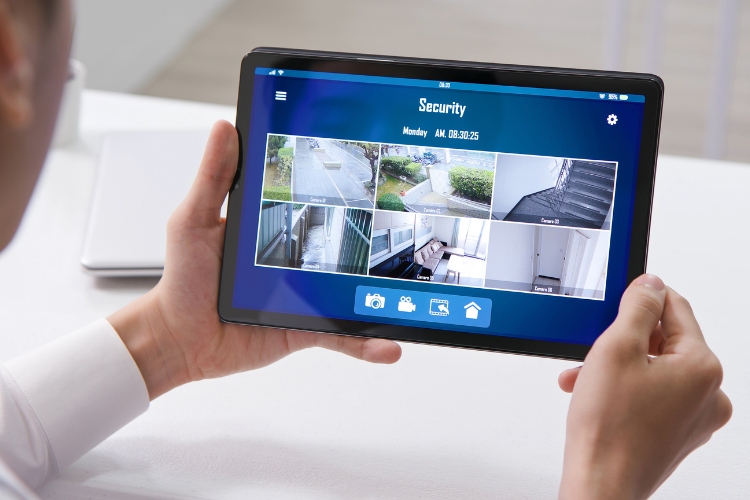
Both indoor and outdoor cameras play unique roles in a home security setup. Outdoor cameras act as a visible deterrent and help monitor the perimeter, while indoor units provide evidence if an intruder gains entry. When planning your system, consider these tips:
- Outdoor Cameras: Install at least 8-10 feet above the ground to prevent tampering, but not so high that faces become unrecognizable. Ensure cameras are weatherproof and have night vision capabilities.
- Indoor Cameras: Place in high-traffic areas such as hallways, living rooms, and near valuables. Avoid bedrooms and bathrooms to respect privacy.
Combining indoor and outdoor surveillance offers a layered defense, increasing the chances of capturing useful footage during an incident.
Advanced Tips for Optimizing CCTV for Residential Security
To get the most out of your surveillance system, keep these advanced strategies in mind:
- Eliminate Blind Spots: Walk around your property and identify areas not covered by existing cameras. Adjust angles or add additional units as needed.
- Leverage Motion Detection: Use cameras with motion sensors to reduce storage needs and receive instant alerts for unusual activity.
- Integrate with Smart Home Devices: Modern systems can connect with alarms, lights, and even smart locks for automated responses to threats. For more on this, see the future of home protection technology article.
- Regular Maintenance: Clean lenses, check for obstructions, and test camera functionality periodically to ensure optimal performance.
Additionally, when planning your setup, consult resources like this comprehensive guide to smart home security planning for a deeper understanding of system integration and best practices.
Common Mistakes to Avoid When Installing Home CCTV
While setting up CCTV for residential security is straightforward, several pitfalls can undermine its effectiveness:
- Ignoring Lighting Conditions: Cameras facing direct sunlight or placed in poorly lit areas may produce unusable footage. Opt for units with wide dynamic range and infrared capabilities.
- Overlooking Privacy Laws: Ensure your cameras do not record public spaces or neighbor’s property to avoid legal issues.
- Neglecting Network Security: Secure your system with strong passwords and regular firmware updates to prevent hacking.
- Improper Camera Angles: Avoid pointing cameras too high or too low; aim for a clear view of faces and entry points.
By sidestepping these common errors, you can maximize the value and reliability of your surveillance investment.
Integrating CCTV with Other Home Protection Systems
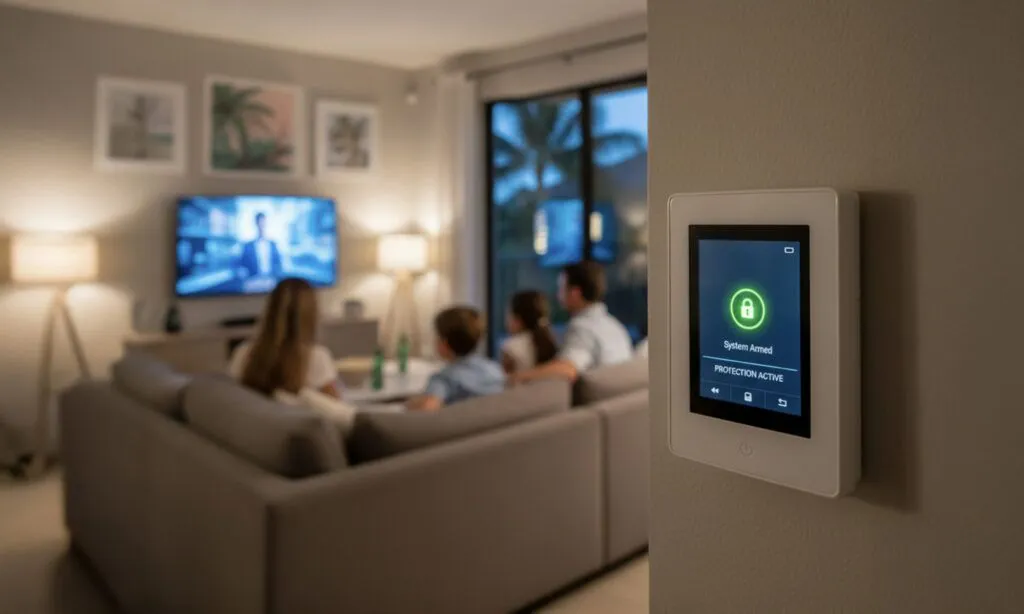
For the best results, combine your surveillance setup with other security measures. This might include smart alarms, motion-activated lighting, and environmental sensors. Integration not only enhances security but also streamlines management through centralized apps or control panels.
Consider exploring home maintenance automation tools to further simplify upkeep and monitoring. Many modern systems allow for seamless integration, providing a holistic approach to home safety and convenience.
Frequently Asked Questions
How many cameras do I need for effective home surveillance?
The ideal number depends on your property size and layout. Most homes benefit from at least four to six cameras, covering all entrances, driveways, and key interior spaces. Larger properties or those with multiple access points may require additional units for complete coverage.
Can I install CCTV cameras myself, or should I hire a professional?
Many modern systems are designed for DIY installation, with wireless options and simple setup guides. However, for complex properties or integrated smart home solutions, professional installation ensures optimal placement and system reliability.
Are wireless cameras as reliable as wired ones?
Wireless cameras offer flexibility and easier installation, but they depend on your Wi-Fi network and may require regular battery changes. Wired cameras provide consistent power and signal but involve more complex installation. The best choice depends on your specific needs and preferences.
Conclusion
Choosing the right locations for your home surveillance cameras is crucial for maximizing security and peace of mind. By focusing on vulnerable entry points, balancing indoor and outdoor coverage, and integrating with other smart systems, you can create a robust defense for your property. Stay informed about the latest trends by checking out resources like the future of home protection technology and always prioritize regular maintenance and privacy considerations. With thoughtful planning and strategic placement, your investment in CCTV for residential security will provide lasting protection for your home and family.