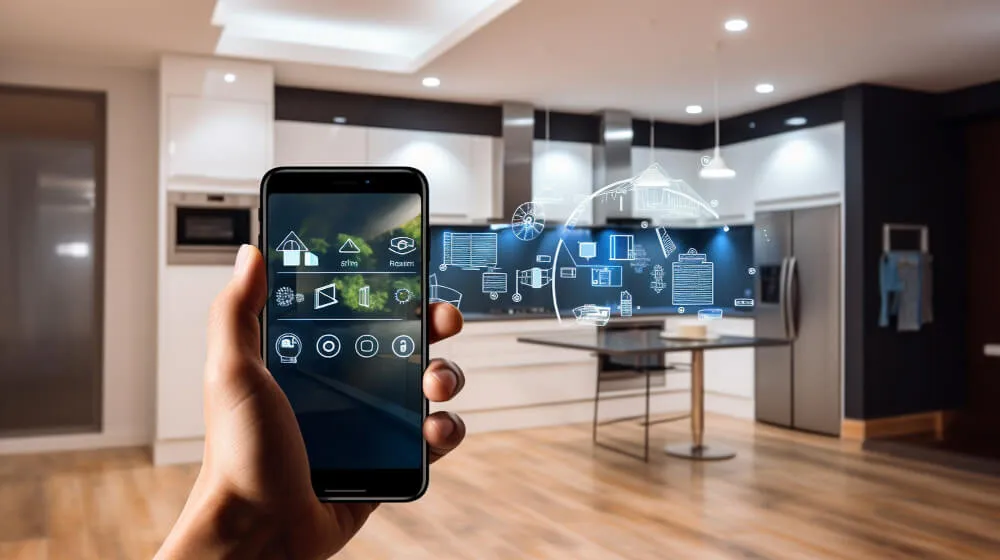
As smart technology becomes a staple in modern households, parents are increasingly focused on child safety in smart homes. From voice assistants to connected cameras and smart locks, these devices offer convenience and security—but they also introduce new risks for curious children. Ensuring your home’s technology is both accessible and safe for kids is essential for peace of mind and a secure environment.
Beyond traditional childproofing, today’s families must consider digital safety, privacy, and the physical risks associated with connected devices. Whether you’re just starting to automate your home or already have a suite of smart gadgets, understanding how to safeguard your children is a crucial step in responsible tech adoption.
For parents interested in the latest developments, exploring the future of home protection technology can provide insight into upcoming trends and tools that may further enhance household safety.
Why Smart Devices Need Extra Kid-Proofing
Smart home products are designed for convenience, but that same accessibility can make them vulnerable to unintended use by children. Devices like smart speakers, security cameras, and automated locks often have voice or app-based controls that kids can easily access. Without proper safeguards, children might accidentally unlock doors, disable alarms, or interact with strangers through intercom features.
Additionally, many smart devices collect and transmit data, raising concerns about privacy and exposure to inappropriate content. Taking proactive steps to secure your home’s technology helps prevent accidents and protects your family’s digital footprint.
Physical Safety: Securing Devices and Outlets
Physical hazards remain a top concern, especially for younger children. Here are some practical steps to minimize risks:
- Mount smart speakers and cameras out of reach to prevent tampering or accidental falls.
- Use cord management solutions to keep charging cables and power cords tidy and inaccessible.
- Install outlet covers on smart plugs and power strips to avoid electrical hazards.
- Choose tamper-resistant smart switches and outlets whenever possible.
Regularly inspect devices for loose parts or exposed wiring, especially after installation or upgrades. Many parents also opt for smart sensors that alert them if a device is moved or unplugged, adding an extra layer of security.
Digital Security: Protecting Kids from Online Risks
As children grow more tech-savvy, digital safety becomes just as important as physical protection. Here’s how to reinforce security and privacy:
- Set up strong, unique passwords for all smart home accounts and devices. Avoid using default credentials.
- Enable two-factor authentication where available to prevent unauthorized access.
- Regularly update device firmware and apps to patch vulnerabilities.
- Use parental controls to restrict device features, limit screen time, and filter content.
- Disable voice purchasing and guest access on smart speakers and displays.
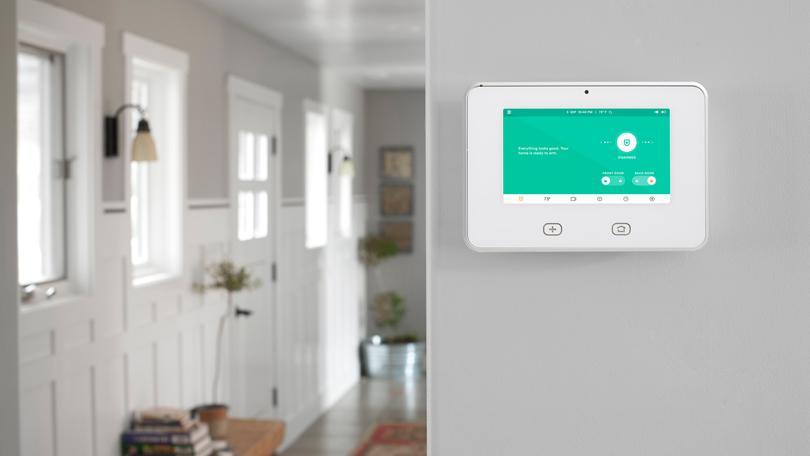
Many smart home hubs and routers now offer built-in parental controls, making it easier to monitor and limit device usage. For more advanced protection, consider solutions that provide network-level filtering and activity logs.
Teaching Kids About Smart Home Safety
Technology education is a key part of keeping children safe around connected devices. Start by explaining which devices are off-limits and why. Demonstrate how to use voice assistants responsibly and set clear rules about interacting with unknown contacts through intercom or video features.
Encourage open communication so kids feel comfortable reporting anything unusual, such as unexpected device behavior or unfamiliar voices. Reinforce the importance of not sharing personal information online or with smart devices.
Customizing Smart Home Settings for Families
Most modern smart home systems allow for customizable profiles and permissions. Take advantage of these features to tailor device access for each family member:
- Create separate user accounts for children with limited privileges.
- Schedule device usage to prevent late-night access or unsupervised operation.
- Set up automation routines that prioritize safety, such as locking doors automatically at certain times or sending alerts if sensors detect unusual activity.
Some platforms also let you review activity logs, so you can monitor how devices are being used and identify any potential issues early.
Integrating Security Systems for Comprehensive Protection
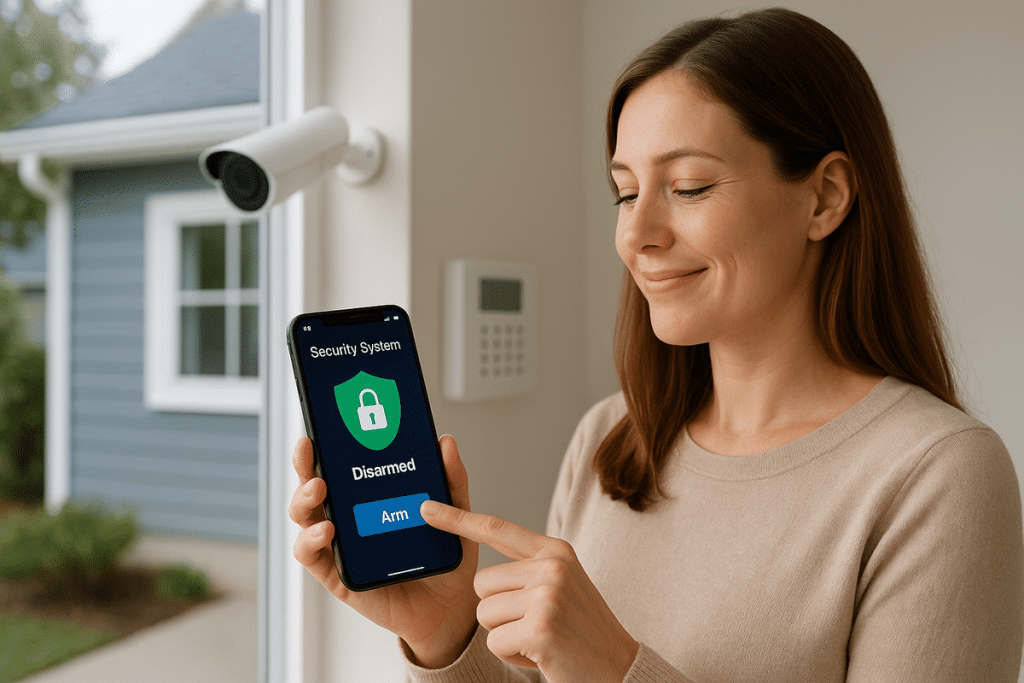
Combining traditional security measures with smart technology creates a more robust safety net for families. Consider integrating motion sensors, window and door contacts, and surveillance cameras with your smart home hub. Many systems allow you to receive instant notifications if something unusual is detected, giving you time to react quickly.
For a deeper dive into planning and optimizing your home’s protection, check out this complete guide to smart home security and planning for practical advice on system selection and setup.
When evaluating new products, look for certifications and safety features designed for families. Many next-generation home security systems offer enhanced parental controls and tamper alerts, making it easier to maintain a secure environment as your family grows. For more information on the latest features, you can explore next-generation home security systems that are tailored to modern households.
Maintaining and Updating Your Smart Home for Ongoing Safety
Childproofing your smart home isn’t a one-time task. As your children grow and technology evolves, it’s important to review and update your safety measures regularly. Schedule routine checks to ensure devices are functioning correctly, software is up to date, and settings still align with your family’s needs.
Stay informed about new threats and best practices by following reputable sources and participating in smart home communities. If you’re interested in automating home maintenance tasks, consider exploring home maintenance automation tools that can help you stay on top of system updates and alerts.
FAQ: Childproofing Smart Home Technology
What are the biggest risks for children in a connected home?
The main risks include accidental access to dangerous features (like unlocking doors), exposure to inappropriate content through smart displays or speakers, and privacy breaches if devices are not properly secured. Physical hazards such as loose cords or accessible outlets also remain a concern.
How can I limit my child’s access to smart devices?
Most smart home platforms allow you to set up user profiles with restricted access, enable parental controls, and schedule device usage. Disabling voice purchasing and guest access on smart speakers is also recommended. Regularly reviewing device settings helps ensure continued protection.
Are there smart home products designed specifically for families?
Yes, many manufacturers now offer products with enhanced safety features, such as tamper alerts, child locks, and robust parental controls. When shopping for new devices, look for those with family-friendly certifications and customizable security settings.
Conclusion
Creating a safe smart home environment for children requires a combination of physical safeguards, digital security, and ongoing education. By proactively addressing both the physical and digital aspects of child safety in smart homes, parents can enjoy the benefits of technology while minimizing risks. Stay informed, review your setup regularly, and leverage the latest tools to keep your family protected as technology continues to evolve.