As more devices in our homes connect to the internet, keeping your living space secure goes beyond locking doors and windows. Home digital safety strategies are now essential for protecting your privacy, finances, and family. From smart thermostats to security cameras and voice assistants, each device can be a potential entry point for cyber threats if not properly secured.
This article explores practical steps to strengthen your home’s digital defenses, covering device setup, network protection, and ongoing habits that help keep your smart household safe. If you’re also interested in physical safety enhancements, consider reading about safe room planning at home for a comprehensive approach to home security.

Why Digital Protection Matters in Modern Homes
Smart homes offer convenience and efficiency, but they also increase the number of devices that can be targeted by hackers. Cybercriminals may exploit weak passwords, outdated software, or unsecured networks to gain access to your personal data or even control your devices. Implementing home digital safety strategies helps you stay ahead of these risks and ensures your family’s privacy and safety are not compromised.
Building a Strong Foundation: Securing Your Home Network
The home Wi-Fi network is the backbone of any connected household. If it’s vulnerable, every device on it is at risk. Here are key steps to fortify your network:
- Change Default Router Credentials: Replace factory-set usernames and passwords with strong, unique alternatives.
- Enable WPA3 Encryption: Use the latest Wi-Fi encryption standard for better protection. If not available, WPA2 is the minimum you should use.
- Update Firmware Regularly: Keep your router’s software up to date to patch security flaws.
- Set Up a Guest Network: Isolate smart devices from your main network to limit exposure if one device is compromised.
- Disable Remote Management: Turn off features that allow router access from outside your home unless absolutely necessary.
For more advanced monitoring, you can explore real-time home monitoring solutions that help you keep an eye on your network activity and connected devices.
Smart Device Safety: Best Practices for Every Room
Every smart device, from cameras to light bulbs, needs its own layer of protection. Here’s how to secure them:
- Change Default Passwords: Always set unique, strong passwords for each device. Avoid reusing passwords across devices.
- Enable Two-Factor Authentication (2FA): If available, activate 2FA for apps and devices to add an extra layer of security.
- Keep Devices Updated: Regularly check for and install firmware or software updates from manufacturers.
- Review Device Permissions: Limit the data and features each device can access. Only grant permissions that are truly necessary.
- Physically Secure Devices: Place cameras and sensors in locations that are difficult to tamper with or access physically.
For a deeper dive into the latest technology, see our guide on intelligent home security systems and how they can integrate with your digital safety plan.
Daily Habits for a Safer Digital Home
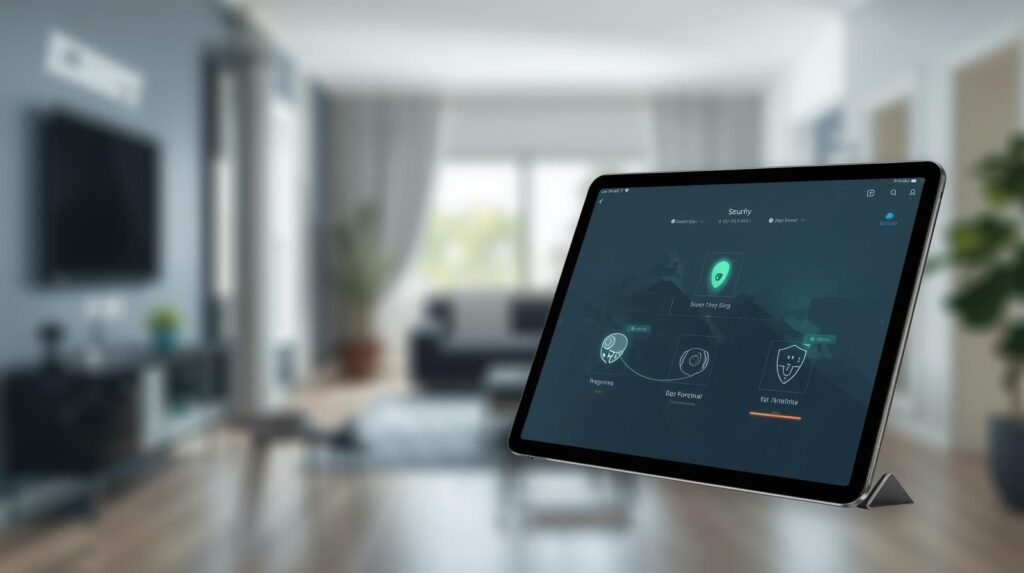
Technology alone isn’t enough; your daily routines play a big role in digital safety. Here are some habits to adopt:
- Regularly Review Device Logs: Check for unfamiliar logins or activity on your devices and apps.
- Educate Family Members: Teach everyone in the household about safe internet practices, such as not sharing passwords or clicking suspicious links.
- Limit Device Access: Only allow trusted users to control or configure smart home devices.
- Back Up Important Data: Use cloud services or external drives to back up critical files in case of a breach or device failure.
- Monitor for Unusual Behavior: Be alert to devices acting strangely, such as lights turning on unexpectedly or cameras moving without input.
For additional physical safety, consider reading about home flood prevention strategies to keep your property secure from environmental threats as well.
Advanced Home Digital Safety Strategies
For those ready to take their protection to the next level, consider these advanced approaches:
- Network Segmentation: Create separate networks for smart devices, work computers, and guest devices to limit the spread of potential threats.
- Use a Firewall: Employ a hardware or software firewall to monitor and control incoming and outgoing network traffic.
- Install Security Suites: Use reputable antivirus and anti-malware software on all computers and mobile devices.
- Disable Unused Features: Turn off microphones, cameras, or remote access features when not needed.
- Monitor Energy Usage: Smart energy monitors can help you spot unusual activity that may indicate a compromised device. For example, the Emporia Energy Monitor can track usage patterns and alert you to anomalies.
Staying proactive is key. For more tips, check out this comprehensive guide to proactive home security from ADT Security.
Integrating Digital and Physical Security
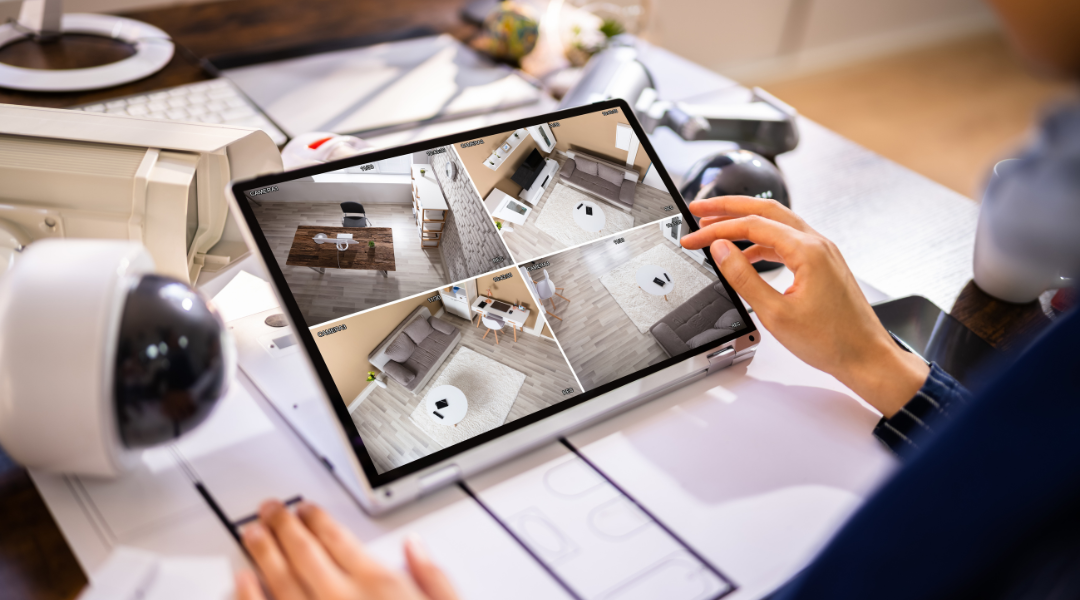
While digital safety is crucial, it’s most effective when combined with physical security measures. Smart locks, surveillance cameras, and alarm systems can all be part of a holistic approach. Regular home maintenance for safety ensures that both your digital and physical defenses remain strong over time.
Remember, a secure home is not just about technology—it’s about creating habits and routines that keep your family and data safe every day.
FAQ: Common Questions About Digital Home Security
What is the most important step for protecting a smart home?
The most critical step is securing your Wi-Fi network with a strong password and up-to-date encryption. This prevents unauthorized access to all connected devices in your home.
How often should I update my smart devices and router?
Check for updates at least once a month. Many devices offer automatic updates—enable this feature if available to ensure you always have the latest security patches.
Are smart home devices safe to use?
Smart devices are generally safe when set up with security in mind. Use strong, unique passwords, enable two-factor authentication, and keep devices updated to minimize risks.
Can I monitor my home’s digital safety remotely?
Yes, many modern security systems and network monitoring tools allow you to check device status and receive alerts from anywhere using your smartphone or computer.
What should I do if I suspect a device has been hacked?
Immediately disconnect the device from your network, reset it to factory settings, update its firmware, and change all associated passwords. Monitor your network for any further suspicious activity.