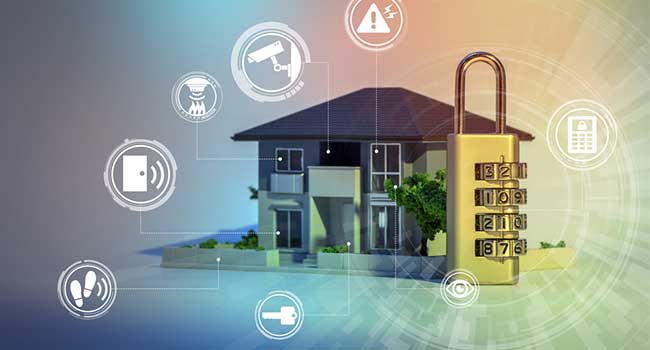
Smart devices are everywhere—from thermostats and cameras to voice assistants and connected appliances. While these gadgets offer convenience and automation, they also introduce new risks. IoT device security at home is now a priority for anyone looking to protect their privacy and keep their network safe from cyber threats. Understanding the basics and following a few practical steps can make a significant difference in safeguarding your connected lifestyle.
Whether you’re setting up your first smart lock or managing a house full of connected gadgets, learning how to secure these devices is essential. This guide provides straightforward tips, explains why these measures matter, and highlights resources for taking your home security to the next level. For those interested in exploring advanced protection, you can also learn about next-generation home security systems that integrate seamlessly with modern IoT setups.
Understanding the Risks of Connected Devices
Bringing smart technology into your living space means more than just convenience. Each device connected to your Wi-Fi network can become a potential entry point for hackers if not properly secured. Common threats include:
- Unauthorized access to cameras, microphones, or smart locks
- Data theft from unprotected devices
- Botnet attacks that use your devices to target others
- Privacy breaches from weak default settings
Recognizing these risks is the first step toward effective IoT device security at home. By understanding what’s at stake, you’re better prepared to take action and prevent unwanted intrusions.
Simple Steps to Strengthen Your Smart Home Security
Improving the safety of your connected devices doesn’t have to be complicated. Here are some practical actions you can take right now:
-
Change Default Passwords Immediately
Most smart gadgets come with factory-set credentials that are easy to guess. Always create strong, unique passwords for each device. Consider using a password manager to keep track of them securely.
-
Update Device Firmware Regularly
Manufacturers often release updates to fix vulnerabilities. Enable automatic updates if possible, or check for new firmware manually every few months.
-
Use a Separate Network for IoT Devices
Many modern routers allow you to create a guest network. Isolate your smart gadgets from computers and phones to reduce the risk of cross-device attacks.
-
Disable Unnecessary Features
Turn off services like remote access or voice control if you don’t use them. The fewer features enabled, the smaller your attack surface.
-
Monitor Device Activity
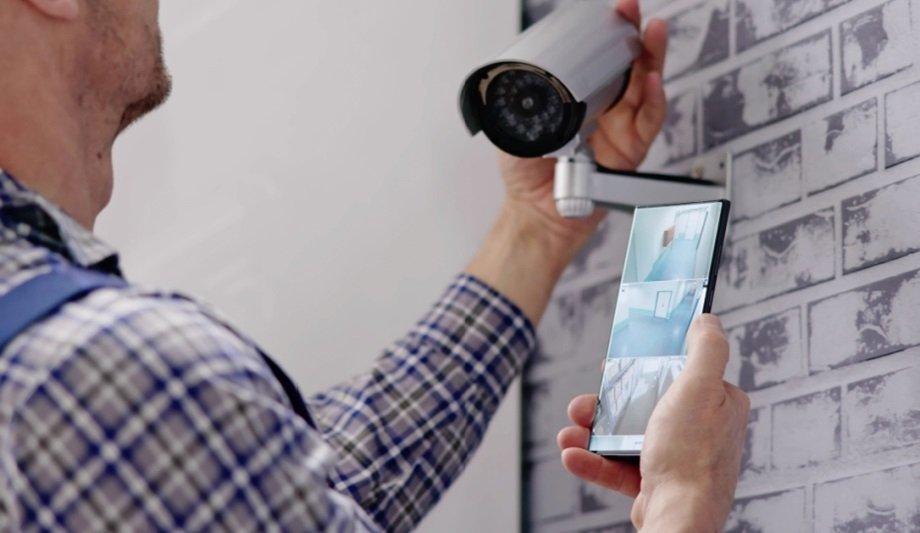
Check your router’s admin panel for unfamiliar devices or unusual activity. Some security systems and energy monitors can help you track what’s happening on your network.
Best Practices for Ongoing IoT Device Security at Home
Maintaining a secure environment for your smart home is an ongoing process. Here are additional tips to help you stay protected:
-
Enable Two-Factor Authentication
Whenever possible, activate two-factor authentication (2FA) on your device accounts. This adds an extra layer of protection, even if your password is compromised.
-
Review Privacy Settings
Check what data your devices collect and share. Adjust privacy controls to limit unnecessary data sharing with manufacturers or third parties.
-
Replace Outdated Devices
Older gadgets may no longer receive security updates. Consider upgrading to newer models that offer better support and built-in protections. For more ideas on smart upgrades, explore these smart homeowner solutions.
-
Educate Household Members
Make sure everyone in your home understands the basics of device safety, including not sharing passwords and recognizing phishing attempts.
Integrating IoT Security with Broader Home Protection
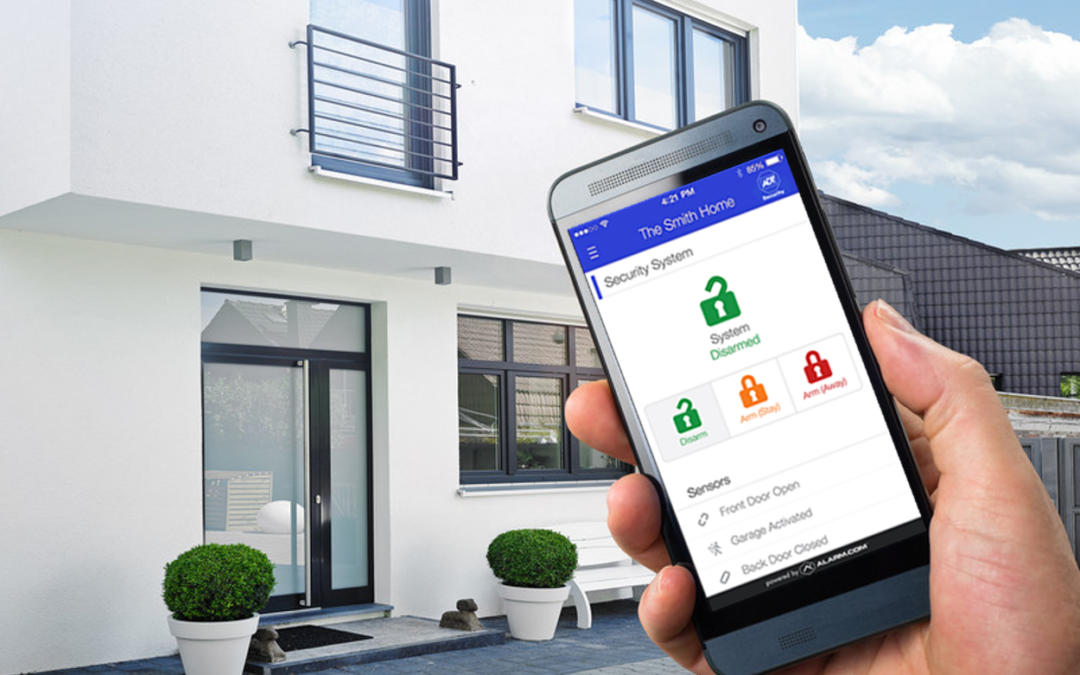
Securing your smart devices is just one part of a comprehensive safety plan. Many homeowners are now combining digital and physical security measures for greater peace of mind. For example, integrating future of home protection technology can help you stay ahead of evolving threats, while solutions like crawl space monitoring solutions add another layer of defense against environmental hazards.
It’s also important to consider fire prevention and other non-digital risks. For guidance on keeping your home safe from fire hazards, see this critical fire damage prevention guide that covers essential steps for comprehensive protection.
Common IoT Device Security Mistakes to Avoid
Even with the best intentions, it’s easy to overlook certain aspects of smart home safety. Here are some frequent missteps:
- Leaving devices on default settings
- Ignoring firmware updates
- Using weak or repeated passwords across multiple devices
- Failing to monitor network activity
- Neglecting to disable features you don’t use
By being aware of these pitfalls, you can take proactive steps to avoid them and maintain a more secure home environment.
FAQ: Home IoT Security Essentials
How can I tell if my smart device has been hacked?
Signs of compromise include unexpected device behavior, settings changes you didn’t make, or unfamiliar devices appearing on your network. If you notice these symptoms, disconnect the device, change your passwords, and update its firmware immediately.
Is it safe to use public Wi-Fi with my smart devices?
It’s best to avoid connecting your home IoT gadgets to public Wi-Fi networks. Public networks are less secure and can expose your devices to additional risks. Always use your private, secured home network for smart device connectivity.
What should I do before disposing of or selling a smart device?
Before getting rid of any connected gadget, perform a factory reset to erase all personal data and unlink it from your accounts. Remove the device from your home network and delete any associated cloud accounts if possible.
How often should I check for device updates?
Check for firmware updates at least every few months, or enable automatic updates if your device supports it. Regular updates are crucial for patching security vulnerabilities.
Conclusion
Keeping your connected home safe doesn’t have to be overwhelming. By following these straightforward steps and staying informed, you can enjoy the benefits of smart technology while minimizing risks. Remember, IoT device security at home is an ongoing process—regularly review your setup, update your devices, and educate everyone in your household. For more tips on maintaining a healthy living environment, you might also be interested in learning about home hygiene protection systems that complement your digital security measures.