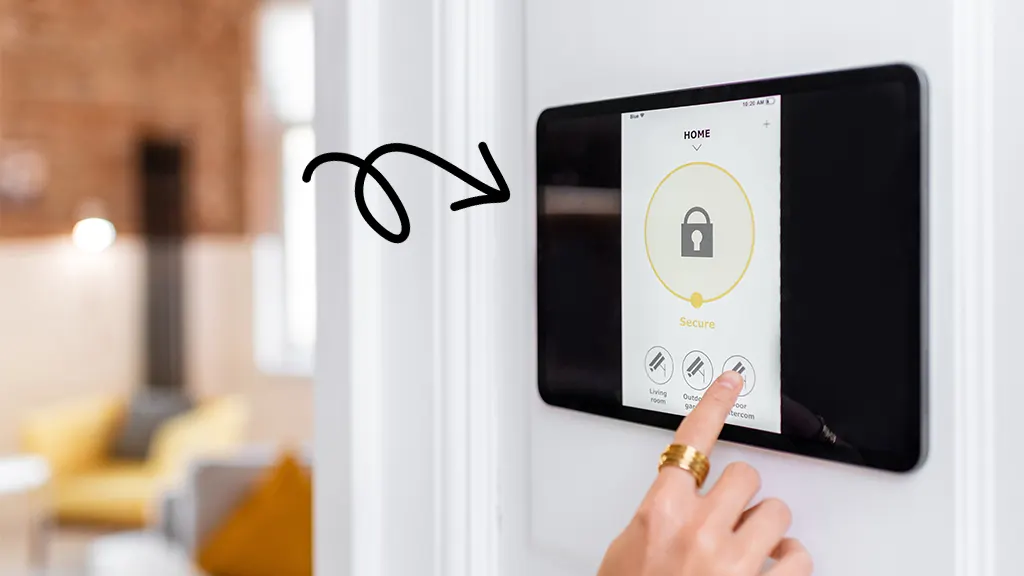
Staying connected to your home’s security is no longer a luxury—it’s a necessity. With the rise of mobile app home monitoring, homeowners can now oversee their property, receive instant alerts, and even control devices from anywhere in the world. Whether you’re at work, traveling, or simply in another room, these solutions offer real-time peace of mind and empower you to respond quickly to any situation.
Today’s smart security platforms are designed for convenience and flexibility. They integrate with cameras, sensors, alarms, and even environmental monitors, all accessible through a single app on your smartphone or tablet. This guide explores how these systems work, the key features to look for, and how to choose the right setup for your needs.
For those interested in the latest advancements, exploring next-generation home security systems can provide deeper insights into how technology is shaping the future of home protection.
Why Choose App-Based Home Security?
Traditional alarm systems have evolved. Instead of relying solely on local sirens or third-party monitoring centers, app-enabled home monitoring puts control directly in your hands. Here are some of the main benefits:
- Instant Notifications: Receive push alerts for motion, door/window activity, or environmental changes.
- Remote Access: View live camera feeds, arm/disarm your system, and check device status from anywhere.
- Custom Automation: Set schedules, create routines, and automate responses based on triggers.
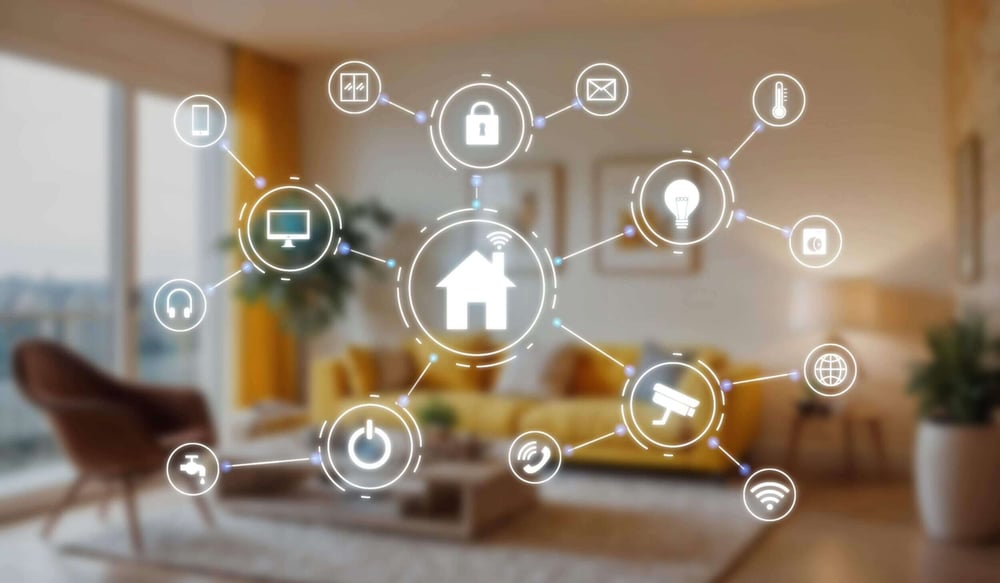
- Integration: Connect with other smart devices, such as lights, locks, and thermostats, for a unified experience.
- Scalability: Add or remove devices as your needs change, without complex rewiring or installation.
Key Features of Mobile App Home Monitoring Solutions
When evaluating different platforms, it’s important to consider the features that matter most for your lifestyle and property. Here are some essential capabilities found in leading mobile app home monitoring systems:
- Live Video Streaming: Access real-time footage from indoor and outdoor cameras, often with two-way audio for communication.
- Event History: Review recorded clips and logs to track activity over time.
- Smart Alerts: Customize notifications for specific events, such as a door opening during certain hours or unexpected motion.
- User Management: Grant access to family members, roommates, or trusted friends with individual permissions.
- Geo-Fencing: Automate actions based on your phone’s location, like arming the system when you leave home.
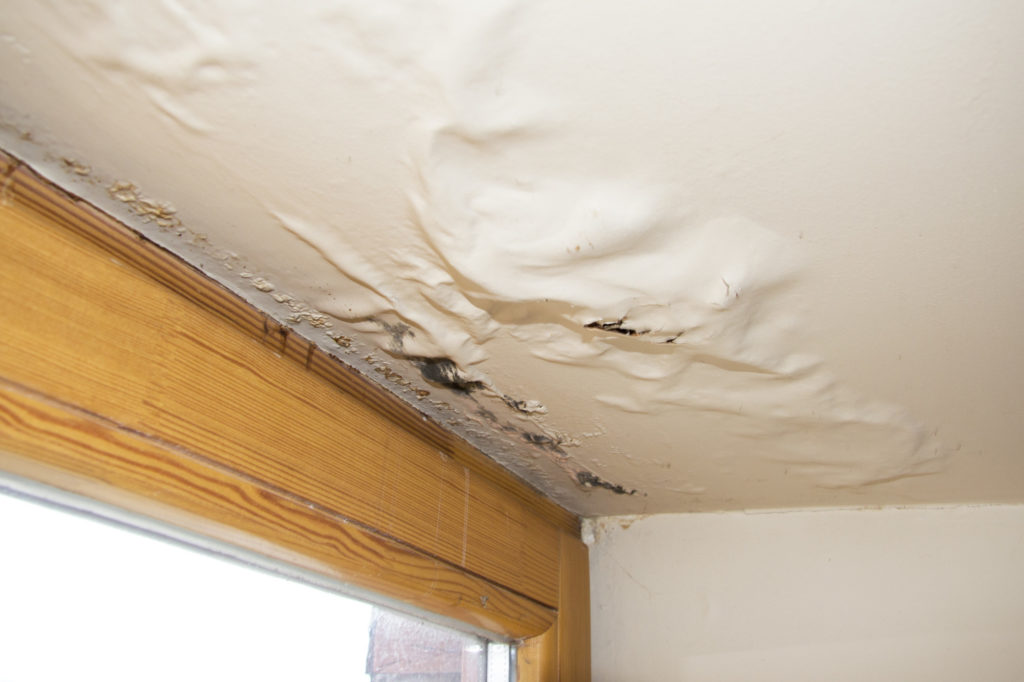
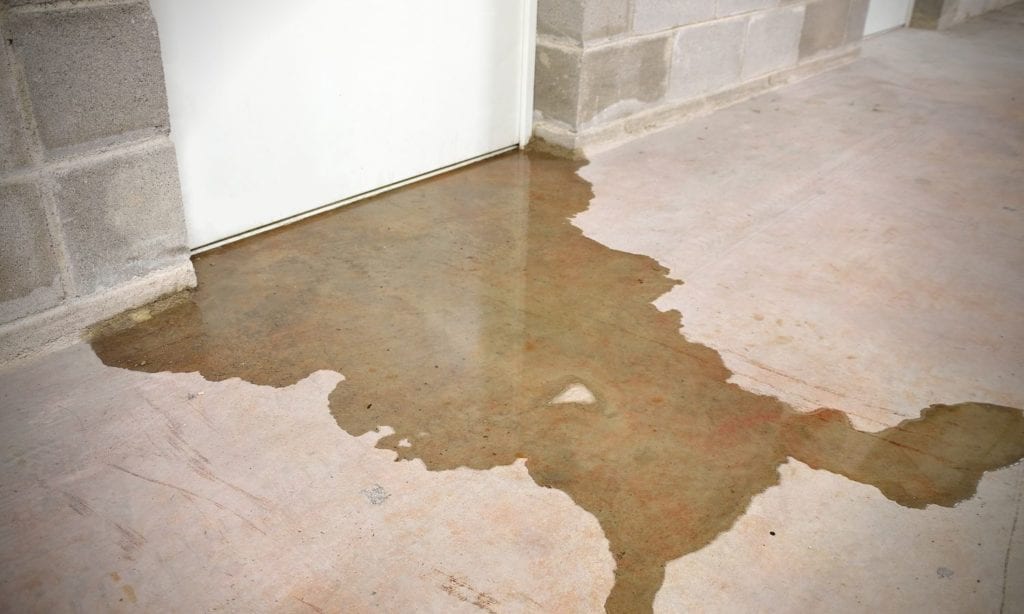
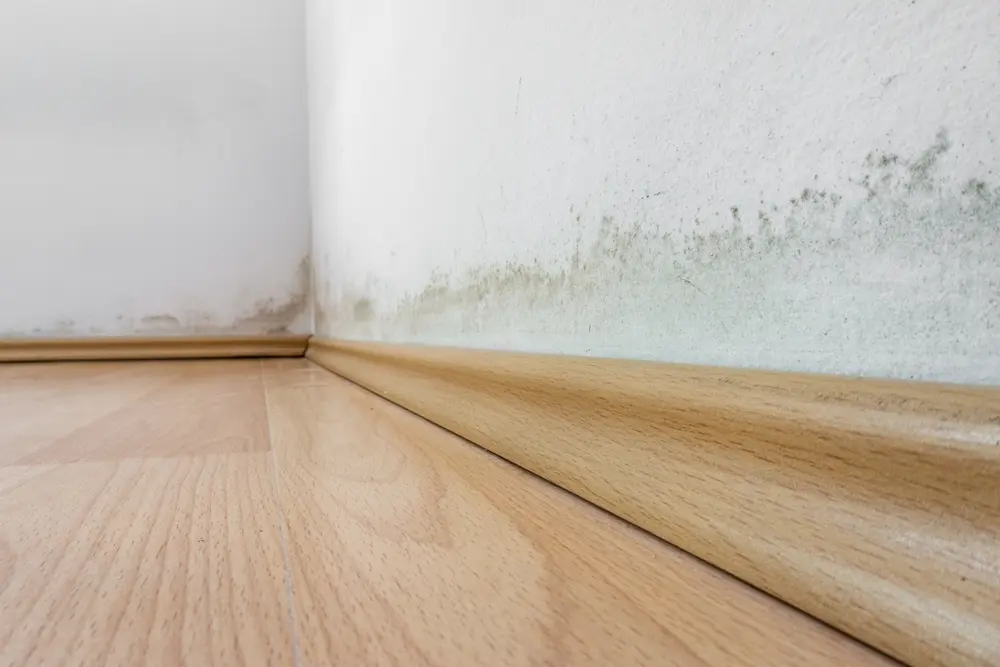
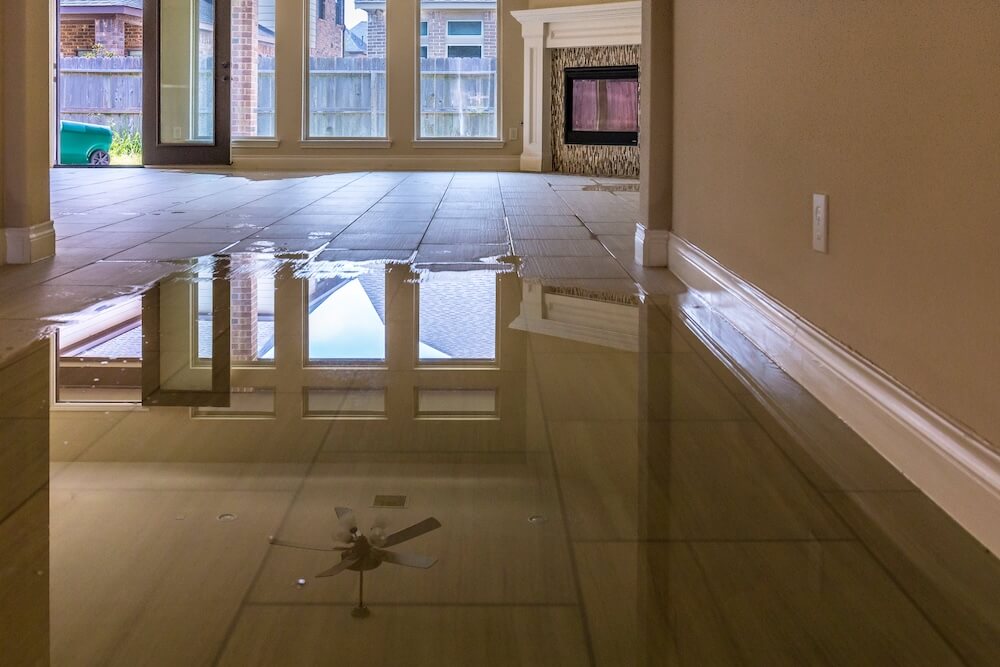
- Environmental Monitoring: Some apps integrate with sensors for smoke, carbon monoxide, water leaks, and temperature changes.
How to Set Up a Smart Home Security App
Getting started with app-based monitoring is straightforward. Most systems are designed for DIY installation, requiring only basic tools and a Wi-Fi connection. Here’s a general setup process:
- Choose Your System: Select a starter kit or individual devices that fit your home’s size and layout.
- Download the App: Install the manufacturer’s app on your smartphone or tablet.
- Connect Devices: Follow in-app instructions to pair cameras, sensors, and alarms to your home network.
- Customize Settings: Set up user profiles, notification preferences, and automation rules.
- Test Functionality: Verify that each device responds correctly and that alerts are received as expected.
If you’re interested in additional layers of protection, consider integrating home hygiene protection systems or rodent detection for homes for a comprehensive approach.
Choosing the Right Platform for Your Needs
The best mobile app home monitoring solution depends on your priorities, budget, and existing devices. Here are some factors to weigh:
- Compatibility: Ensure the app supports your preferred smart speakers, locks, thermostats, and other devices.
- Subscription Requirements: Some features, like cloud video storage or professional monitoring, may require a monthly fee.
- Privacy and Security: Look for end-to-end encryption and transparent privacy policies to protect your data.
- Customer Support: Reliable help channels can make troubleshooting and setup much easier.
- Scalability: Choose a system that can grow with your needs, allowing you to add more sensors or cameras over time.
For a look at where the industry is headed, our article on the future of home protection technology covers emerging trends and innovations.
Tips for Maximizing Your App-Based Security
To get the most out of your smart monitoring system, consider these practical tips:
- Keep Software Updated: Regularly update your app and device firmware to patch vulnerabilities and access new features.
- Use Strong Passwords: Secure your account with a unique password and enable two-factor authentication if available.
- Test Alerts Regularly: Simulate events to ensure you receive timely notifications and that all devices are working.
- Review User Access: Periodically check who has access to your system and remove unnecessary permissions.
- Integrate with Other Systems: Connect your security app with lighting, locks, and environmental sensors for a holistic approach.
For more proactive strategies, check out these proactive home security tips to further safeguard your property.
Common Challenges and How to Overcome Them
While app-based monitoring offers many advantages, there are some common hurdles:
- Wi-Fi Reliability: A strong and stable internet connection is essential. Consider using mesh networks or Wi-Fi extenders for larger homes.
- False Alarms: Adjust motion sensitivity and notification settings to minimize unnecessary alerts.
- Privacy Concerns: Review app permissions and disable unnecessary data sharing. Opt for systems with robust encryption.
- Device Compatibility: Double-check that new devices or upgrades will work with your existing app and ecosystem.
Addressing these issues early can help you enjoy a seamless and secure experience with your monitoring solution.
FAQ
Can I use mobile app home monitoring if I rent my home?
Yes, most smart security systems are designed for easy installation and removal, making them ideal for renters. Wireless devices can be mounted with adhesive strips or placed on shelves, and the system can move with you to a new location.
Do I need a subscription to use these apps?
Basic features like live viewing and instant alerts are usually free. However, advanced options such as cloud video storage, extended event history, or professional monitoring may require a monthly or annual subscription. Always review the terms before purchasing.
How secure are these systems from hacking?
Reputable brands use encryption and regular software updates to protect your data. To further enhance security, use strong passwords, enable two-factor authentication, and keep your devices updated. Always research a provider’s privacy policies before committing.
What happens if my internet goes down?
Many systems offer local alarms and battery backups, but remote access and notifications may be unavailable during an outage. Some advanced setups include cellular backup for critical alerts.
Can I monitor multiple properties from one app?
Yes, many platforms allow you to add and manage multiple locations within a single account, making it easy to oversee vacation homes, rental properties, or family residences.