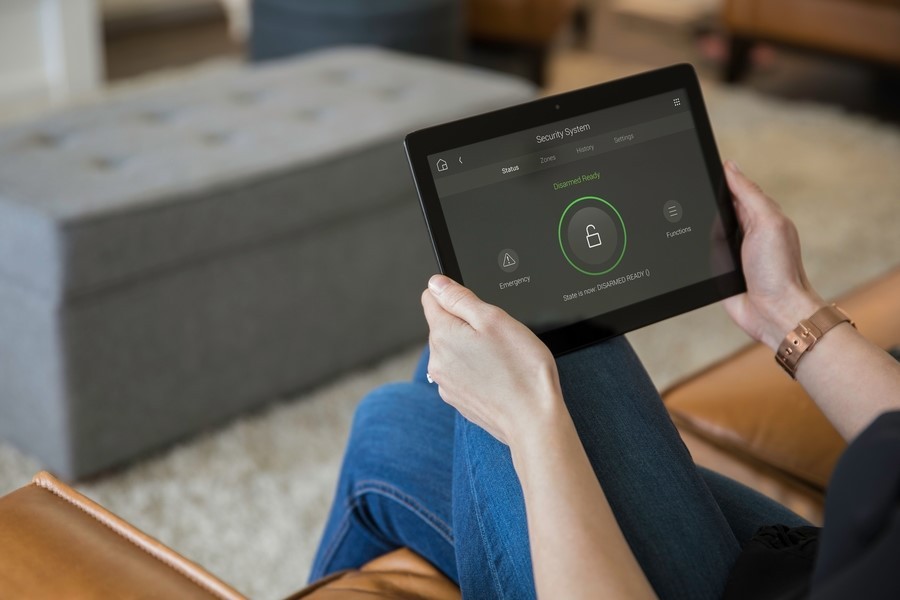
As smart home technology becomes more common, the risk of cyber threats targeting connected devices is on the rise. From smart locks and cameras to thermostats and lighting systems, every device connected to your home network can be a potential entry point for hackers. Preventing smart home hacking is essential to protect your privacy, data, and the safety of your household.
This article explores practical strategies to enhance the security of your smart home. You’ll learn how to fortify your network, choose secure devices, and adopt habits that keep digital intruders at bay. For those interested in advanced security features, you may also want to explore next-generation home security systems that offer robust protection for modern households.
Understanding the Risks of Connected Devices
Smart home devices offer convenience, automation, and energy savings, but they also introduce new vulnerabilities. Many products are designed for ease of use, sometimes at the expense of robust security. Hackers can exploit weak passwords, outdated firmware, or unsecured wireless connections to gain unauthorized access.
- Personal data exposure: Devices may store sensitive information, such as video footage or access codes.
- Network breaches: Once inside your network, attackers can move laterally to other devices, including computers and smartphones.
- Physical security risks: Compromised smart locks, alarms, or cameras can put your home at risk of break-ins.
Recognizing these threats is the first step toward preventing smart home hacking and keeping your household safe.
Building a Strong Foundation: Secure Your Home Network
Your home Wi-Fi network is the backbone of all connected devices. Strengthening it is crucial for minimizing vulnerabilities.
Change Default Router Settings
Many routers come with default usernames and passwords that are widely known and easily exploited. Change these immediately after setup. Use a strong, unique password and consider renaming your network (SSID) to something that doesn’t reveal your identity or location.
Enable Network Encryption
Always use WPA3 or, if unavailable, WPA2 encryption on your Wi-Fi. Avoid outdated protocols like WEP, which are easily cracked by attackers.
Set Up a Guest Network
Isolate your smart devices from your main network by creating a separate guest network. This limits the impact if a device is compromised and prevents hackers from easily accessing your computers or sensitive files.
Keep Firmware Updated
Routers and smart devices frequently receive security updates. Enable automatic updates if possible, or check regularly for new firmware releases. Outdated software can leave critical vulnerabilities open to exploitation.
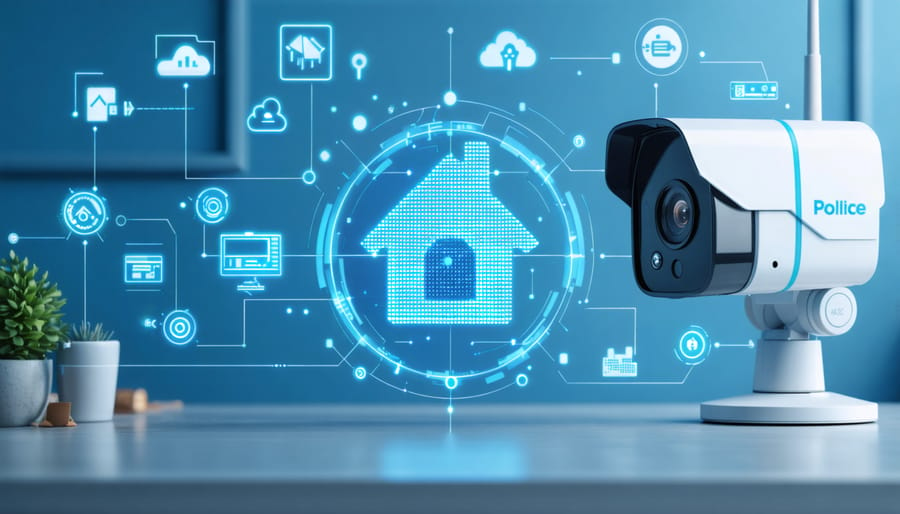
Device-Level Protection: Best Practices for Smart Gadgets
Every smart device you add to your home should be configured with security in mind. Here are essential steps to reduce the risk of unauthorized access:
Change Default Passwords and Usernames
Never leave devices with factory-set credentials. Create strong, unique passwords for each device. Consider using a password manager to keep track of them.
Disable Unused Features
Turn off features you don’t use, such as remote access, voice control, or universal plug-and-play (UPnP). This reduces the number of potential attack vectors.
Monitor Device Activity
Regularly review device logs and notifications for unusual activity. Some devices and apps offer alerts for login attempts or configuration changes—enable these wherever possible.
Update Device Software
Manufacturers often release updates to patch security flaws. Make it a habit to check for updates and apply them promptly. If a device is no longer supported or updated, consider replacing it with a more secure model.
Advanced Strategies for Preventing Smart Home Hacking
For those seeking extra protection, advanced security measures can further reduce risks:
- Multi-factor authentication (MFA): Enable MFA on device accounts and management apps to add an extra layer of verification.
- Network segmentation: Use VLANs or separate subnets to isolate critical devices from less secure ones.
- Physical security: Secure your router and smart home hubs in locked locations to prevent tampering.
- Professional monitoring: Consider services that monitor your smart home for suspicious activity and alert you to threats.
For a deeper dive into proactive safety measures, check out these proactive home security tips that can help you stay ahead of evolving threats.

Smart Habits for Everyday Security
Technology alone can’t guarantee safety. Adopting secure habits is just as important for preventing smart home hacking:
- Be selective: Only purchase devices from reputable brands with a history of strong security practices.
- Review app permissions: Limit the data and features that apps can access on your smartphone or tablet.
- Educate household members: Make sure everyone understands the importance of secure passwords and safe internet practices.
- Regularly audit devices: Remove any unused or obsolete gadgets from your network.
For those interested in broader safety strategies, you might also find value in learning about safe room planning at home to create a secure environment for your family.
Integrating Security with Energy and Environmental Monitoring
Modern smart homes often include energy monitors and environmental sensors. These devices can also be targeted by hackers if not properly secured. Protecting them is crucial for both safety and efficiency:
- Change default credentials and update firmware regularly.
- Limit remote access unless absolutely necessary.
- Monitor for unusual spikes in energy usage, which could indicate unauthorized activity.
For more on keeping your home’s systems safe, see our guide on energy system protection at home.
FAQ: Smart Home Security and Hacking Prevention
How can I tell if my smart home devices have been hacked?
Signs of compromise include unexpected device behavior, settings changes you didn’t make, frequent disconnections, or unfamiliar devices appearing on your network. Regularly check device logs and your router’s connected device list for anything unusual.
Are older smart home devices more vulnerable to hacking?
Yes, older devices may lack recent security updates or use outdated encryption methods. If a manufacturer no longer supports a device, it’s best to replace it with a newer, more secure model.
What should I do if I suspect a device has been compromised?
Immediately disconnect the device from your network, perform a factory reset, and change all associated passwords. Update the device firmware and review your network for other signs of intrusion. If the issue persists, contact the manufacturer for support.
Conclusion
Securing your smart home requires a combination of strong network defenses, vigilant device management, and smart everyday habits. By taking these steps, you can significantly reduce the risk of unauthorized access and keep your connected lifestyle safe. Stay informed about the latest threats and solutions, and consider exploring the future of home protection technology to keep your household one step ahead of cybercriminals.