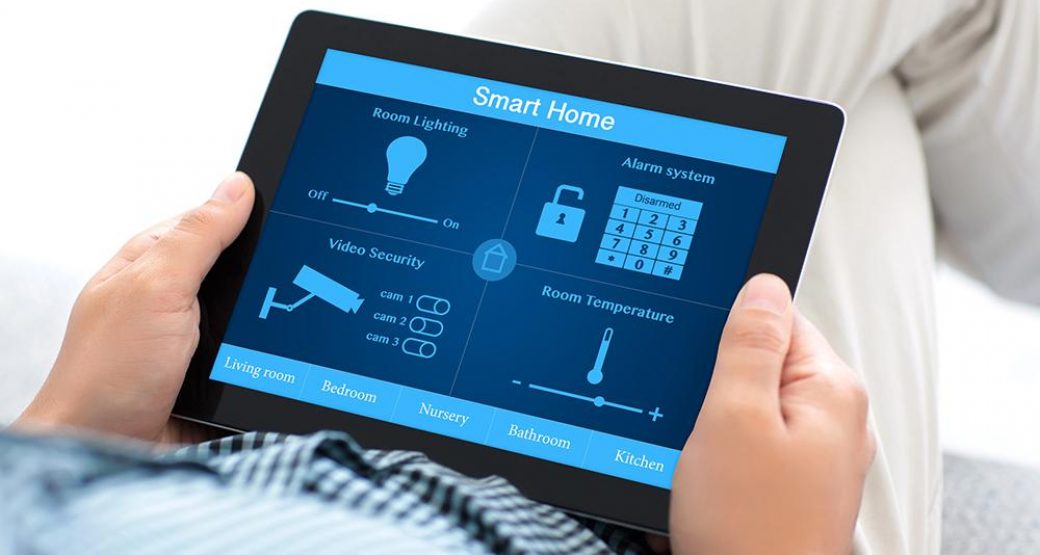
The convenience of connected technology has transformed modern living, but it also brings new risks. As homes fill with smart locks, cameras, thermostats, and voice assistants, the need for protecting smart home devices from cyber threats has never been greater. Hackers target these gadgets to steal data, invade privacy, or even gain physical access to your property. Understanding the risks and taking proactive steps can help you keep your home network and devices secure.
Smart home security is more than just installing a few devices—it’s about building a resilient digital environment. Whether you’re a first-time user or have an advanced setup, learning how to safeguard your connected devices is essential. For those interested in the latest advancements, exploring next-generation home security systems can provide additional insights into robust protection strategies.
Why Cybersecurity for Connected Devices Matters
With the rise of the Internet of Things (IoT), homes are more interconnected than ever. Each device connected to your Wi-Fi—whether it’s a camera, smart speaker, or light bulb—represents a potential entry point for cybercriminals. Unlike traditional computers, many smart devices lack strong built-in security features, making them attractive targets.
A compromised device can lead to privacy breaches, identity theft, or even unauthorized control of your home’s systems. In some cases, hackers use vulnerable gadgets to launch attacks on other networks. This makes protecting smart home devices a critical part of modern household safety.
Common Threats Facing Smart Homes
Understanding the types of risks your connected devices face is the first step toward effective protection. Here are some of the most common threats:
- Unauthorized Access: Weak passwords or outdated firmware can allow hackers to take control of devices remotely.
- Data Interception: Unsecured networks may expose sensitive information, such as video feeds or personal details, to eavesdroppers.
- Botnets: Compromised devices can be recruited into large-scale attacks, affecting not just your home but the wider internet.
- Ransomware: Some attackers may lock you out of your own devices and demand payment to restore access.
These risks highlight the importance of a layered approach to security, combining strong passwords, regular updates, and network segmentation.
Essential Steps for Securing Your Smart Home
Taking a proactive stance is key to minimizing vulnerabilities. Here are practical measures every homeowner should consider:
1. Use Strong, Unique Passwords
Default passwords are easy for attackers to guess. Always change them during setup and use a unique, complex password for each device. Consider a password manager to keep track of credentials.
2. Keep Firmware and Software Updated
Manufacturers regularly release updates to patch security flaws. Enable automatic updates where possible, or check for them manually on a routine basis. Keeping devices current is one of the most effective defenses.
3. Secure Your Wi-Fi Network
Your home network is the gateway to all connected devices. Use WPA3 encryption if available, set a strong Wi-Fi password, and consider hiding your network’s SSID. For added protection, create a separate guest network for visitors and IoT devices.
4. Limit Device Permissions
Many smart devices request access to data or features they don’t need. Review permissions during setup and disable any unnecessary access, such as location tracking or microphone use.
5. Monitor Device Activity
Regularly check logs and notifications for unusual activity. Some security systems offer real-time alerts if a device behaves abnormally or connects from an unfamiliar location.
Advanced Strategies for Enhanced Protection
Beyond the basics, there are additional steps you can take to further reduce your risk:
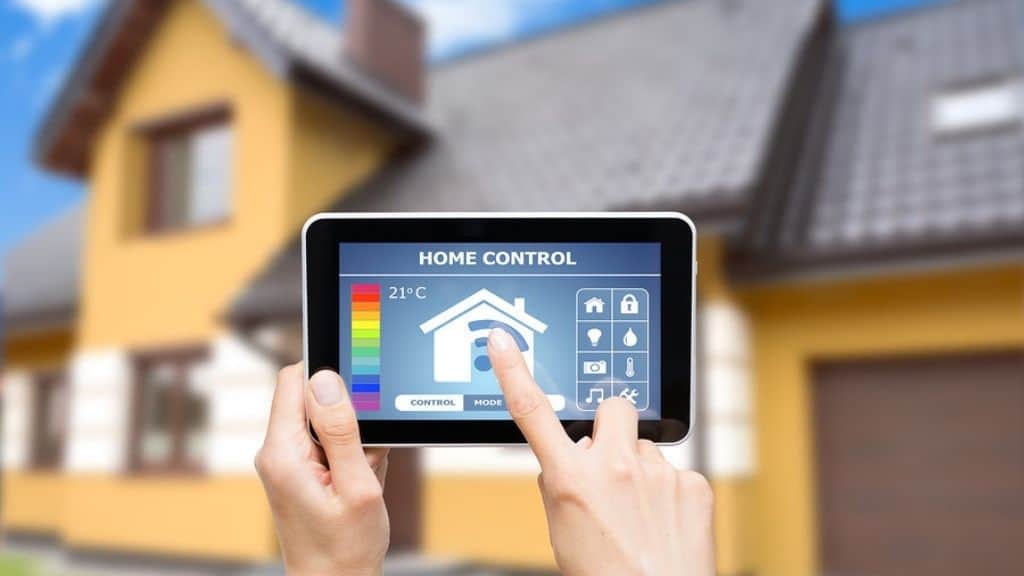
- Network Segmentation: Place smart home gadgets on a dedicated network, separate from computers and phones. This limits the impact if one device is compromised.
- Disable Unused Features: Turn off remote access, UPnP, or other services you don’t use. Fewer open ports mean fewer opportunities for hackers.
- Two-Factor Authentication (2FA): Enable 2FA on device accounts and apps whenever possible. This adds an extra layer of security beyond just a password.
- Regular Security Audits: Periodically review your devices, settings, and network for vulnerabilities. Remove devices you no longer use.
For those planning more comprehensive safety measures, reviewing safe room planning at home can complement your digital security efforts with physical protection strategies.
Choosing Secure Devices and Trusted Brands
Not all smart devices are created equal. When shopping for new gadgets, prioritize brands with a reputation for security and regular updates. Look for products that support strong encryption, automatic updates, and transparent privacy policies.
Reading reviews and checking for third-party security certifications can help you make informed choices. For a comprehensive overview of what to look for, the ultimate guide to home security for first-time homeowners offers valuable tips on selecting reliable products and setting them up securely.
Integrating Smart Home Security with Broader Protection
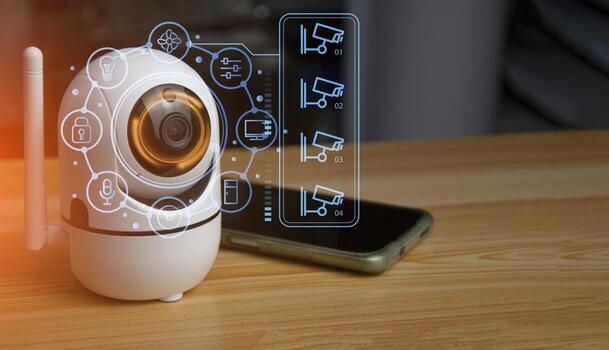
Digital safety is just one aspect of a secure household. Combining cyber protection with physical security systems, such as alarms and surveillance cameras, creates a more robust defense. For those interested in the future of home safety, exploring the future of home protection technology can provide insights into upcoming trends and innovations.
Additionally, if you have elderly family members or individuals with special needs, integrating elderly safety monitoring at home and medical alert systems for home use can enhance both digital and physical well-being.
Frequently Asked Questions
How can I tell if my smart home device has been hacked?
Signs of compromise include unexpected device behavior, settings changes you didn’t make, or unfamiliar devices connected to your network. Regularly review device logs and your router’s connected device list for anything unusual.
Is it safe to use voice assistants in my home?
Voice assistants can be secure if you follow best practices: use strong passwords, enable privacy settings, and mute microphones when not in use. Always keep software updated and review permissions regularly.
What should I do if a device manufacturer stops providing updates?
If a device no longer receives security updates, it’s best to replace it with a model from a manufacturer that offers ongoing support. Outdated devices are more vulnerable to new threats.
Can smart home devices work offline for better security?
Some devices offer local-only modes or can function without internet access, which reduces exposure to remote attacks. Check your device settings or documentation to see if this is possible.
Conclusion
As smart technology becomes more integrated into daily life, prioritizing the security of your connected devices is essential. By following best practices—such as using strong passwords, keeping software updated, and choosing reputable brands—you can significantly reduce your risk of cyber threats. Remember, protecting smart home devices is an ongoing process that requires vigilance and adaptation as technology evolves. Stay informed, review your setup regularly, and enjoy the benefits of a safer, smarter home.