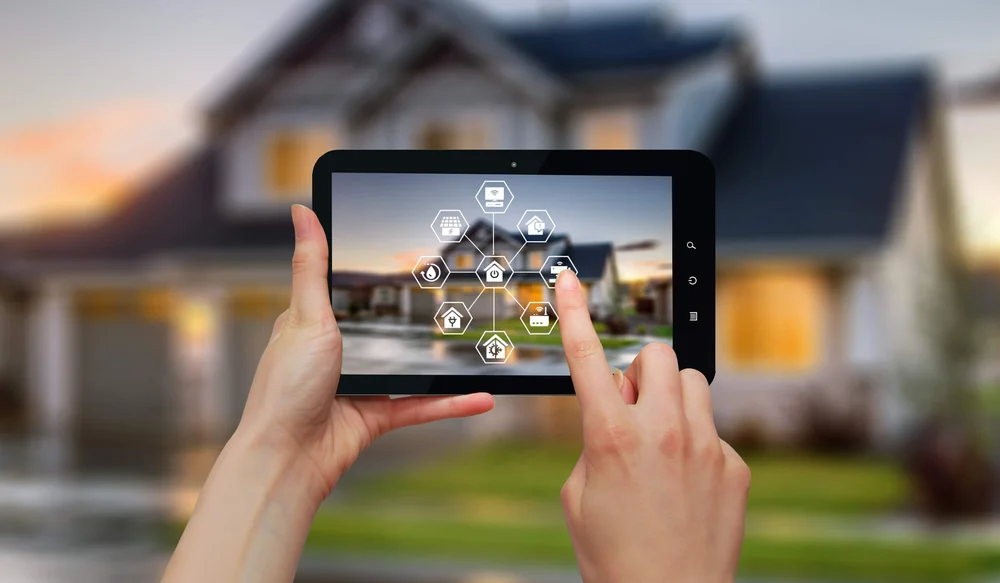
As more households adopt smart devices, the need for WiFi protection for smart homes has never been greater. From security cameras to thermostats and voice assistants, these connected gadgets make life easier—but they also create new opportunities for cyber intruders. Without proper safeguards, your home network can become a gateway for hackers, putting your privacy, finances, and even physical safety at risk.
This guide explains how to secure your wireless network, highlights the most common vulnerabilities, and offers practical steps to keep unauthorized users out. Whether you’re setting up your first smart device or managing a fully connected home, understanding the essentials of network security is crucial.
For those interested in the latest advancements, explore the next-generation home security systems that integrate seamlessly with modern wireless networks. These systems offer enhanced features that can further strengthen your digital and physical defenses.
Why Home WiFi Security Matters More Than Ever
Smart home technology brings convenience, but it also increases your exposure to digital threats. Every device connected to your network—whether it’s a smart lock, baby monitor, or energy monitor—represents a potential entry point for attackers. Once inside, cybercriminals can intercept sensitive data, access personal files, or even control your smart devices remotely.
Recent years have seen a rise in attacks targeting home networks, with criminals exploiting weak passwords, outdated firmware, and unsecured devices. Protecting your wireless environment is not just about privacy; it’s about safeguarding your entire household from a range of risks.
Common Vulnerabilities in Connected Homes
Understanding where your network is most at risk is the first step toward effective WiFi protection for smart homes. Here are some of the most frequent vulnerabilities:
- Weak or Default Passwords: Many users leave their routers and devices with factory-set credentials, making them easy targets.
- Outdated Firmware: Failing to update your router or smart devices can leave known security holes unpatched.
- Unencrypted Networks: Open or poorly encrypted WiFi allows anyone nearby to intercept your traffic.
- Unsecured IoT Devices: Some smart gadgets lack robust security features, making them easy to compromise.
- Poor Network Segmentation: Allowing all devices on a single network increases the risk if one is breached.
Addressing these issues is essential to keeping your digital life safe from intruders.
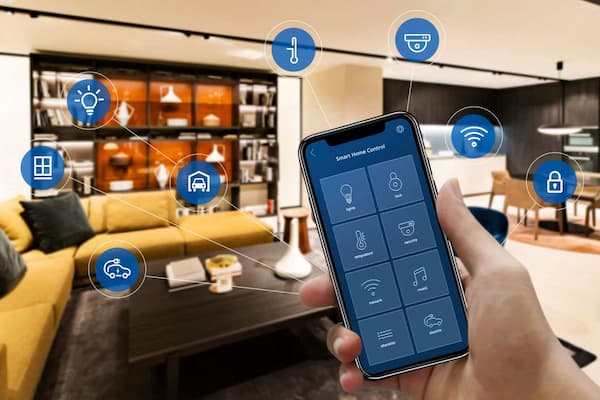
Best Practices for Securing Your Home Network
Implementing strong security measures doesn’t have to be complicated. Here are some practical steps to boost your home’s wireless defenses:
-
Change Default Router Credentials
Set a unique username and strong password for your router’s admin panel. Avoid using easily guessed words or personal information. -
Enable WPA3 or WPA2 Encryption
Always use the latest encryption standard supported by your router. WPA3 offers the highest level of protection, but WPA2 is still secure if WPA3 isn’t available. -
Update Firmware Regularly
Check for updates for your router and all smart devices. Manufacturers often release patches to fix vulnerabilities. -
Segment Your Network
Create a separate guest network for visitors and IoT devices. This limits the impact if a less secure device is compromised. -
Disable Remote Management
Unless necessary, turn off remote access to your router’s settings to prevent outside tampering. -
Monitor Connected Devices
Regularly review which devices are connected to your network and disconnect any you don’t recognize. -
Use Strong, Unique Passwords for Each Device
Don’t reuse passwords across devices or accounts. Consider a password manager to keep track of them securely.
By following these guidelines, you can significantly reduce the risk of unauthorized access to your home network.
Smart Device Security: Tips for Every Homeowner
Securing your WiFi is only part of the equation. Each smart device you add to your home should be configured with security in mind. Here’s how to protect your gadgets:
- Register devices with the manufacturer to receive updates and support.
- Change default device passwords immediately after setup.
- Disable unnecessary features like UPnP or remote access if you don’t need them.
- Keep devices updated with the latest firmware.
- Review privacy settings and limit data sharing where possible.
For more on how technology is shaping home safety, check out the latest future of home protection technology trends and how they impact network security.
Advanced Strategies for WiFi Protection in Smart Homes
For those seeking even greater peace of mind, consider these advanced tactics:
- Install Network Monitoring Tools: Use apps or hardware that track network activity and alert you to suspicious behavior.
- Enable Firewalls: Most modern routers include built-in firewalls—ensure they’re activated and properly configured.
- Use VPNs for Sensitive Activities: A virtual private network encrypts your internet traffic, adding an extra layer of protection.
- Consider Professional Security Systems: Some systems, like those found in proactive home protection guides, offer integrated cyber and physical security for comprehensive coverage.
Combining these strategies with the basics can help you stay ahead of evolving threats in the connected home landscape.
Integrating WiFi Security with Other Home Protections
Wireless security should be part of a broader approach to home safety. For example, pairing network safeguards with energy system protection at home or carbon monoxide monitoring systems can help you address both digital and physical risks. Smart homes are most secure when every aspect—from the network to environmental sensors—is considered as part of a unified defense strategy.
Don’t overlook less obvious threats, such as rodent detection for homes, which can impact wiring and device reliability. A holistic approach ensures your smart home remains safe, functional, and resilient.
FAQ: Smart Home WiFi Security
What is the most important step to secure my home WiFi?
The single most effective action is to set a strong, unique password for your router and enable WPA3 or WPA2 encryption. This prevents unauthorized users from easily accessing your network.
How often should I update my router and smart devices?
Check for firmware updates at least once a month, or enable automatic updates if available. Keeping software current closes known vulnerabilities that hackers might exploit.
Can smart home devices be hacked even if my WiFi is secure?
Yes, individual devices can have their own vulnerabilities. Always change default passwords, update firmware, and disable unnecessary features on each device to minimize risk.
Should I use a separate network for my smart devices?
Yes, segmenting your network by setting up a guest or IoT network isolates smart devices from your main devices, reducing the risk if one is compromised.
Are professional security systems worth the investment?
For many homeowners, professional systems offer advanced features like 24/7 monitoring and integrated cyber protections. They can be a valuable addition, especially for larger or more complex smart homes.